Tired of your website getting lost on Google? A meta description is the short sentence under your site's name in search results, and it's your best chance to turn a searcher into a customer.
By the end of this 5-minute guide, you’ll know a simple formula to write meta descriptions that attract more clicks and generate more leads for your business—no technical skills needed.
What Is a Meta Description and Why Should You Care?
Think of your website like a physical store. The meta description is the sign in your front window. A boring sign that just says, “We sell things,” isn’t going to stop traffic.
But what if it said, “Tired of a messy lawn? Get a perfect cut in 1 hour. Book online!” Now that tells a potential customer exactly what you do and why they should walk through your door.
That little snippet of text is your meta description. It’s your 15-second sales pitch to convince someone to click your link instead of the ten others on the page.
While Google says meta descriptions don't directly make you rank higher, a good one gets more clicks. More clicks tell Google that your page is a great result, which can absolutely boost your visibility over time. It's a simple but powerful way to start getting more website traffic.
The goal is right there in the image: your description needs to attract clicks just like a great sign attracts customers.
Let's break down the essential pieces that make a meta description work.
The 4 Parts of a Perfect Meta Description
This table is your blueprint for turning searchers into website visitors. Every great meta description has these four parts.
| Element | What It Does | Simple Example |
|---|---|---|
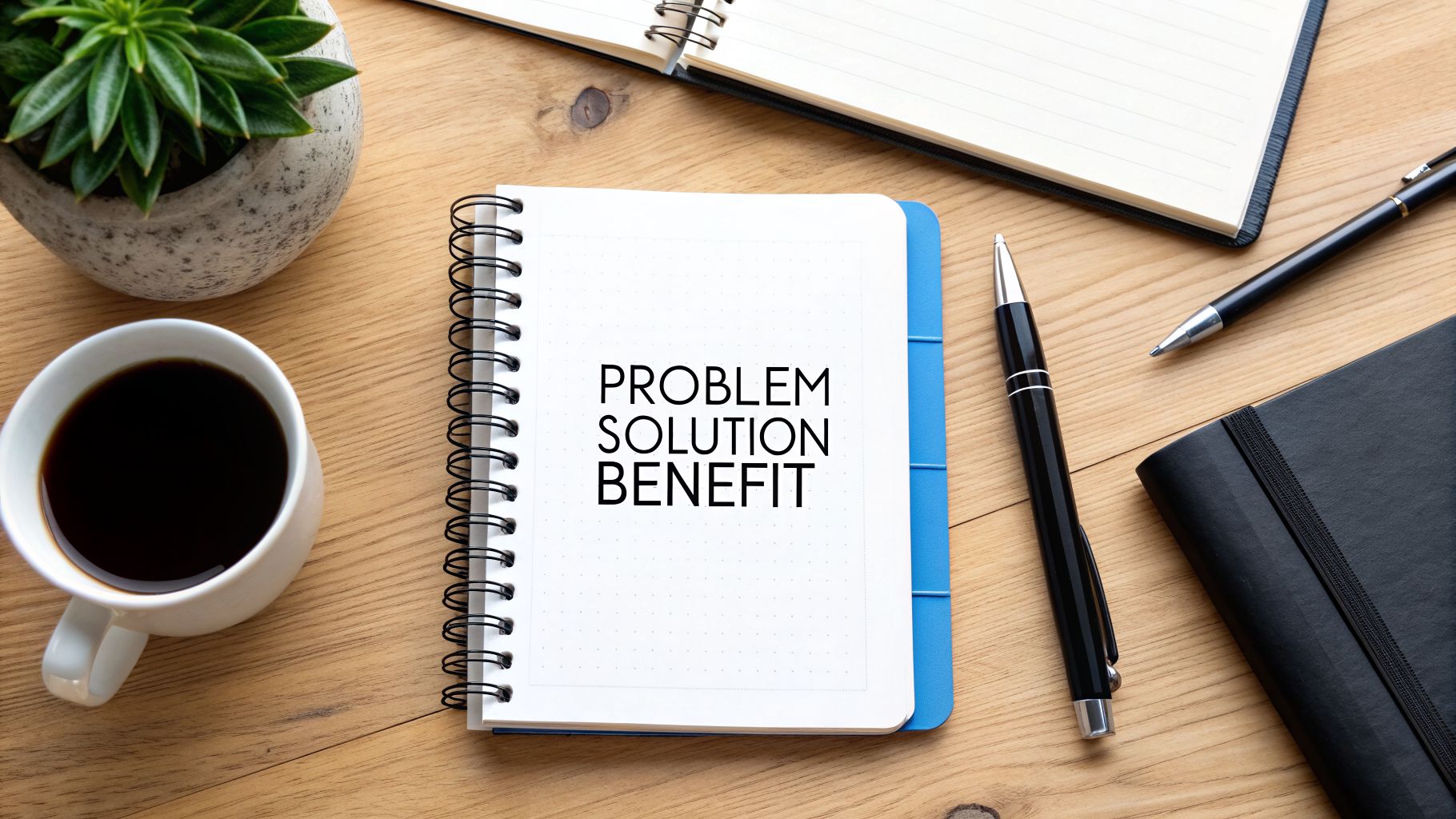
| Identify a Problem | Grabs attention by showing you understand their pain point. | "Struggling to find new clients?" |
| Present Your Solution | Clearly states how your page or service solves that problem. | "Our guide shows you how to get 5 new leads this week." |
| Add a Hook or Benefit | Gives them a compelling reason to choose you. What's in it for them? | "Stop cold calling and get clients to come to you." |
| Include a Call-to-Action | Tells them exactly what to do next. Be direct. | "Learn how," "Get your free quote," "Shop now." |
Getting these four elements into a short sentence is the key to standing out on a crowded Google results page.
Keep It Short and Sweet (Under 160 Characters)
You have very little space to make your case. If your description is too long, Google just chops it off with an ellipsis (…), leaving your pitch incomplete.
Business Owner Mistake: Almost 41% of pages on Google have descriptions that are too long. When Google cuts them off, it doesn't just look sloppy—it can kill your click-through rate because customers can't read your full pitch.
To avoid this, keep your description between 150-160 characters. This is the sweet spot that ensures your entire message is seen on both desktop computers and mobile phones.
Before & After: From Vague to Valuable
Let’s look at a quick before-and-after for a local contractor. It's a perfect example of how a few small tweaks can make a massive difference.
Before (Vague): "We offer home renovation services in Springfield. We do kitchens, bathrooms, and basements. Our company has been in business for 10 years."
- Why it's bad: It's all about "we" and lists services without solving a problem.
After (Valuable): "Tired of your outdated kitchen? Get a beautiful, modern kitchen remodel in Springfield. We handle everything from design to installation. Get your free quote today!"
- Why it's good: It starts with the customer's problem, offers a clear solution, and gives them an action to take.
This is exactly how you turn a passive searcher into an active lead. For a deeper dive, this is a great guide on how to write meta descriptions that boost clicks and rankings.
Simple Formulas for Writing Descriptions That Work
You don’t have to be a professional writer to get this right. The best meta descriptions follow simple, proven formulas. It’s not about fancy words; it’s about answering the customer's question: "What's in it for me?"
Instead of just stating what your page is about, you need to show the searcher what they get by clicking. This small change is what convinces someone to choose your link instead of the one above or below it.
Start with an Action Word
Using an active voice means kicking things off with a strong verb. Forget passive statements. Think action. Words like “Find,” “Learn,” “Fix,” or “Get” immediately tell the user what they can accomplish by clicking.
Let's see how this transforms a flat, boring description into one that actually pulls people in.
Real Estate Agent Example:
- Before: "Our agency lists homes for sale in the downtown area. We have many properties available, including condos and single-family houses."
- After: "Find your dream condo in the heart of downtown. Browse exclusive listings with stunning city views and book your private tour today!"
Local Plumber Example:
- Before: "We offer emergency plumbing services. Our team is available 24/7 for various plumbing issues like leaks and clogs."
- After: "Fix leaky pipes fast with our 24/7 emergency plumbing services. Get a certified plumber to your door in under an hour. Call now for a free estimate!"
See the difference? The "After" versions don't just list facts—they promise a specific solution and give a clear next step.
Copy-and-Paste Formulas for Your Business
Ready to write your own? Here are two plug-and-play formulas you can use right now for any page on your website.
Formula 1: The Problem Solver (for Services)
- Structure: [State their problem?] + [Offer your solution] + [Give a clear call to action].
- Example (for a Life Coach): "Feeling stuck in your career? Discover a clear path forward with personalized coaching sessions. Book your free discovery call and start your transformation."
This formula works perfectly for service-based businesses (coaches, plumbers, consultants) because it immediately grabs the attention of someone with a specific pain point.
When a searcher sees their exact problem spelled out in the search results, it creates an instant feeling of, "This is for me." You're not just another link; you're the answer they were hoping to find.
Formula 2: The Direct Offer (for Products)
- Structure: [Action Verb] + [Your specific product/service] + [Key benefit or unique selling point].
- Example (for an Online Bakery): "Order fresh, custom-decorated birthday cakes online. Enjoy free, same-day delivery on all local orders. Design your perfect cake now!"
This direct approach is great for product pages or for searchers who already know what they're looking for. It gets straight to the point and highlights why your offer is the best choice.
Putting in the effort here really pays off. Research shows that writing a custom meta description can boost your click-through rate by as much as 5.8% over the default snippet Google creates for you. You can learn more about these meta description best practices on WomenConquerBiz.com.
How to Find the Right Keywords (Without the Guesswork)
Keywords are just the words real customers type into Google when they need what you sell. You don't need fancy, expensive software to find them. In fact, the best tool for the job is Google itself, and it's free.
Before you write, it’s worth understanding how to choose keywords for SEO. This ensures your meta descriptions actually connect with the right people.
Where to Find Keyword Gold
Google literally tells you the exact phrases your customers are using. You just have to know where to look.
Next time you search on Google, pay attention to these two spots. They are direct clues about what people are actually searching for.
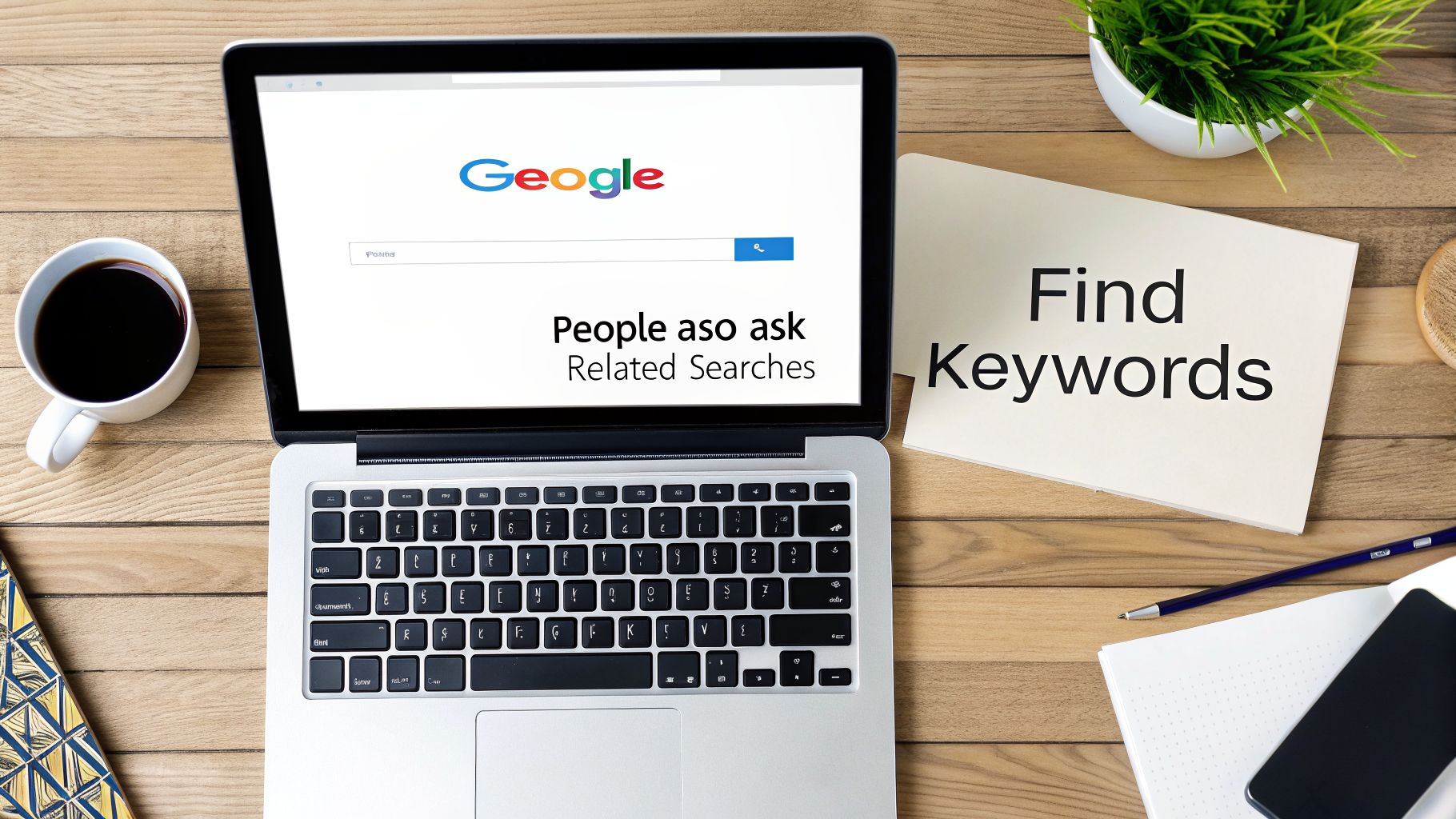
- "People also ask" boxes: These dropdowns are a goldmine of the questions real people have about your topic.
- "Related searches" section: Scroll to the bottom of the page. This list shows you other popular terms people searched for next.
You don't have to guess what's on your customers' minds. Google is showing you their language.
A Real-World Bakery Example
Let's say you own a bakery. You might assume your main keyword is just “bakery.” But a quick search shows what your customers really want.
Search for "custom cakes near me" and you'll likely find these phrases in the "Related searches":
- custom birthday cakes online
- affordable custom cakes
- last minute cake order
- bakery that does picture cakes
Suddenly, you have a much clearer picture. People aren't just searching for cakes. They need affordable, last-minute, or picture cakes. These are the specific, high-value keywords you should include in your meta description.
Your job isn’t to invent keywords. It’s to listen to the language your customers are already using and then reflect it back to them in your meta description. This builds instant trust and shows them you're the right choice.
Weaving Keywords in Naturally
Once you have your main keyword—like "affordable custom cakes"—your next job is to include it in the meta description.
Why? Because when a user's search term matches the text in your description, Google bolds those words.
This bolding makes your search result visually pop off the page. It grabs the user's eye and signals that your page is highly relevant, making them far more likely to click.
Just make sure you work it in smoothly. The goal is a helpful, compelling sentence that solves their problem, not a clunky, keyword-stuffed mess.
Using AI to Write Meta Descriptions in Seconds
As a busy business owner, you don't have time to stress over the perfect 155-character sentence. If you need a solid meta description right now, an AI assistant is your secret weapon. This isn't about some complicated new tech—it's a practical shortcut to get something good in under a minute.
You don't need to sign up for fancy paid tools, either. Free tools you may already know, like ChatGPT or Gemini, can do this for you. The trick is giving the AI simple, clear instructions.
The Perfect AI Prompt for a Busy Owner
The secret to getting a great result from AI is telling it three simple things: what you do, who you serve, and what you want them to do next. Think of it like giving directions to a new employee.
Here’s a simple, copy-and-paste prompt you can use immediately. Just swap out the bracketed info with your own.
Write 3 meta descriptions under 160 characters for a webpage about [your service or product]. My customers are [describe your audience in a few words]. Use an active voice and include a call to action.
Let's run this with a real-world example for a local electrician.
Our Prompt:
"Write 3 meta descriptions under 160 characters for a webpage about residential electrical repairs. My customers are homeowners in the Springfield area. Use an active voice and include a call to action."
In seconds, the AI gives you a few strong options to work with. It’s a much better starting point than staring at a blank page.
Review and Refine the AI's Work
The AI's job is to give you a first draft, not the final word. Your job is to take 30 seconds to make it sound like you. The AI builds the foundation; you add the human touch.
Here’s what the AI might have generated for our electrician, along with my quick edits to make them click-worthy:
AI Draft 1: "Need reliable electrical repairs in Springfield? We fix flickering lights, dead outlets, and more for homeowners. Contact us for a fast, free estimate today!"
- Human Tweak: Honestly, this one is great as-is. It’s active, local, and has a clear call to action. It's ready to go.
AI Draft 2: "Springfield homeowners, get expert electrical repair services. From small fixes to major rewiring, our certified electricians can help. Schedule your service online."
- Human Tweak: It’s good, but we can add more urgency. Let's change it to: "Springfield homeowners, get fast electrical repair services. From small fixes to major rewiring, our certified electricians are ready. Book your appointment now!"
Expert Tip: Always give the AI-generated text a quick sanity check. Does it sound like something you’d actually say to a customer? A quick tweak to match your business's voice is what turns a good description into a great one.
AI is only getting better and more integrated into workflows like this. As you get comfortable with the basics, you might find that exploring the best AI content generators can help you with all sorts of marketing tasks. It's this blend of smart technology and your own expertise that turns a simple meta description into a real traffic-driver.
Adding Your Description to a WordPress Website
You’ve done the hard work and written a great description. Now, let's get it onto your site.
If you’re one of the millions of small business owners using WordPress, this part is easy. You won’t need to touch a single line of code.
Most WordPress sites rely on a free SEO plugin like Yoast SEO or All in One SEO (AIOSEO). These tools add a simple form directly into your page editor, which is exactly where your new description goes. It's a small but critical step toward having one of the best website for small business owners.
Finding the Meta Description Box
When you edit any page or post in WordPress, scroll down past the main content area. You’ll see a dedicated section added by your SEO plugin—it’s usually labeled "Yoast SEO" or "AIOSEO."
Inside this section, look for a field labeled Meta description. This is what you’re looking for. Simply copy the description you wrote and paste it right into that box.
My Advice: These SEO plugin sections have a lot of settings. Don’t get overwhelmed. For now, just focus on finding that "Meta description" field and pasting in your text. You can ignore everything else.
Previewing How It Looks on Google
Here's the best part—these plugins give you a live preview of how your page will look in Google search results. All the guesswork is gone.
As you type or paste your text, you’ll see a mock search result update in real-time. This is your chance to see exactly what potential customers will see.
This preview is your final quality check. Does your message look compelling? And most importantly, does it fit without getting cut off by those annoying dots (…)?
- Check the Color-Coded Bar: Look for the length indicator bar right below the input box. It usually turns from orange to green when you hit the sweet spot (around 155 characters) and back to orange or red if you write too much.
- Make Final Polish: Use the preview to make small tweaks. Is your call to action clear? Is the most important info front and center?
Once that bar is green and you’re happy with the preview, just hit the "Update" button on your page. That’s it. You've just told Google exactly how to pitch your business in its search results.
A Few Lingering Questions
Even with the right formulas, a few questions always pop up. As a business owner, you don’t have time for vague answers. You need to know what works so you can get it done and move on.
Here are the straight answers to the most common questions I hear about meta descriptions.
What Happens If I Don't Bother Writing One?
If you skip the meta description, your site won’t break. Google will just grab a random snippet of text from your page and use that instead.
The problem? Google’s choice is almost always terrible for marketing. It might pull part of your navigation menu, a sentence fragment, or a jumble of words that makes zero sense out of context.
Think of it like this: would you let a total stranger design the sign for your physical storefront? Of course not. Leaving your meta description blank is the digital version of that.
Taking a minute to write your own ensures your "shop window" on Google looks professional and actually invites people to click.
Does Every Single Page Need a Unique Description?
Yes, absolutely. Every important page on your site needs its own unique meta description.
This is a common mistake I see all the time. Copying and pasting the same description across your site confuses Google and, worse, your potential customers. It’s like putting the exact same label on every product on a shelf—nobody knows what’s what.
A unique description for each page does two critical things:
- It helps Google: It signals that every page offers something different, which helps the search engine understand and rank your content properly.
- It helps customers: It tells them exactly what they’ll get if they click, whether it’s your homepage, a service page, or a blog post. This clarity leads to better clicks and happier visitors.
If you have a huge website, don't get overwhelmed. Start with your most valuable pages—your homepage, main service pages, and top-performing blog posts. It’s far better to have no description than a duplicated one.
I Updated My Description. How Long Until I See It on Google?
This is the big one—when do you see the payoff for your work? Once you update a meta description, the change is live on your website instantly.
But you won't see it in Google’s search results right away.
Google has to re-crawl your page—basically, send its bots to "re-visit" and see what's changed. That process isn't immediate. Depending on how often Google bots visit your site, it could take a few days or even a couple of weeks for the new description to appear.
Patience is key here. You’ve done your part. Now, you just need to give Google a little time to catch up.
Ready to stop worrying about your website and start getting more leads? The ReadyWeb AI Blog provides simple, practical advice just like this to help you succeed online. For more tips and updates, keep exploring our articles at https://blog.readywebai.com.